 Screens coming soon
Eidos
A sketchbook for ideas
Collections of drawings with a typed-text layer, and a facing reference page that turns the folded iPhone Duo into a sketchbook spread.
Development
I'm a filmmaker, and I build apps. Some are tools for the way a shoot runs: reading the light, planning the day, running interviews. Others are simple everyday utilities and games I wanted for myself. All native, built one problem at a time.
Mini golf, and typing practice as an arcade game.
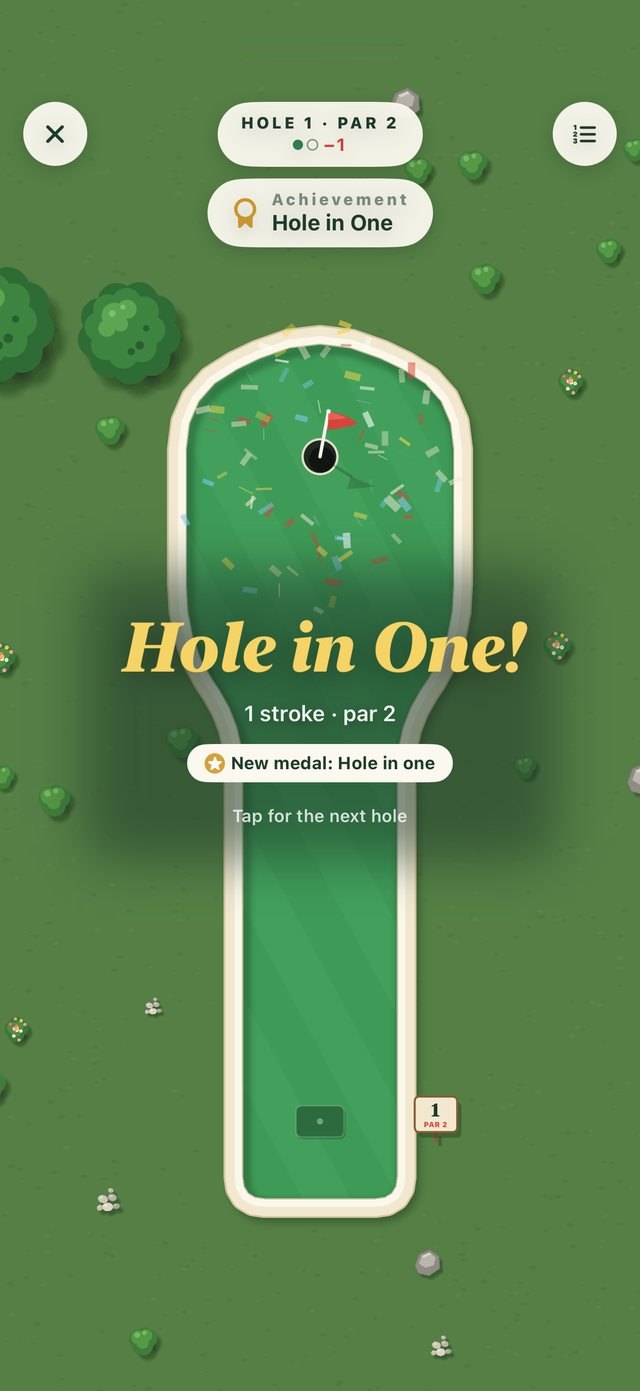
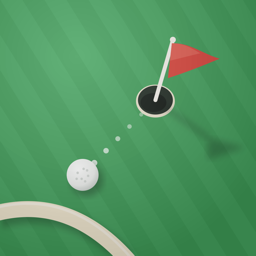
Classic mini golf, seen from above
Eighteen holes in two nines, each with one small twist: a fast lane, a bumper, an ice patch, a moving cup. There's a windmill to finish, and six theme courses.
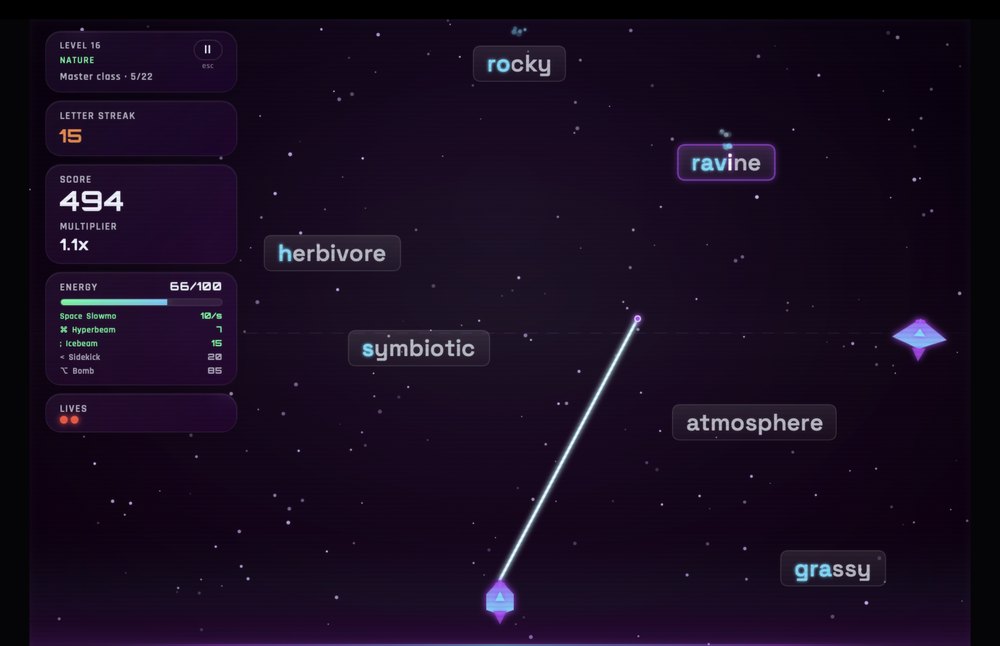
Typing practice, arcade style
Shoot the falling words before they land. Thirty levels, ships to unlock, and typing practice that feels like an arcade game.
Everyday tools: lists, keeping score, expense reports, sketching and tasks.
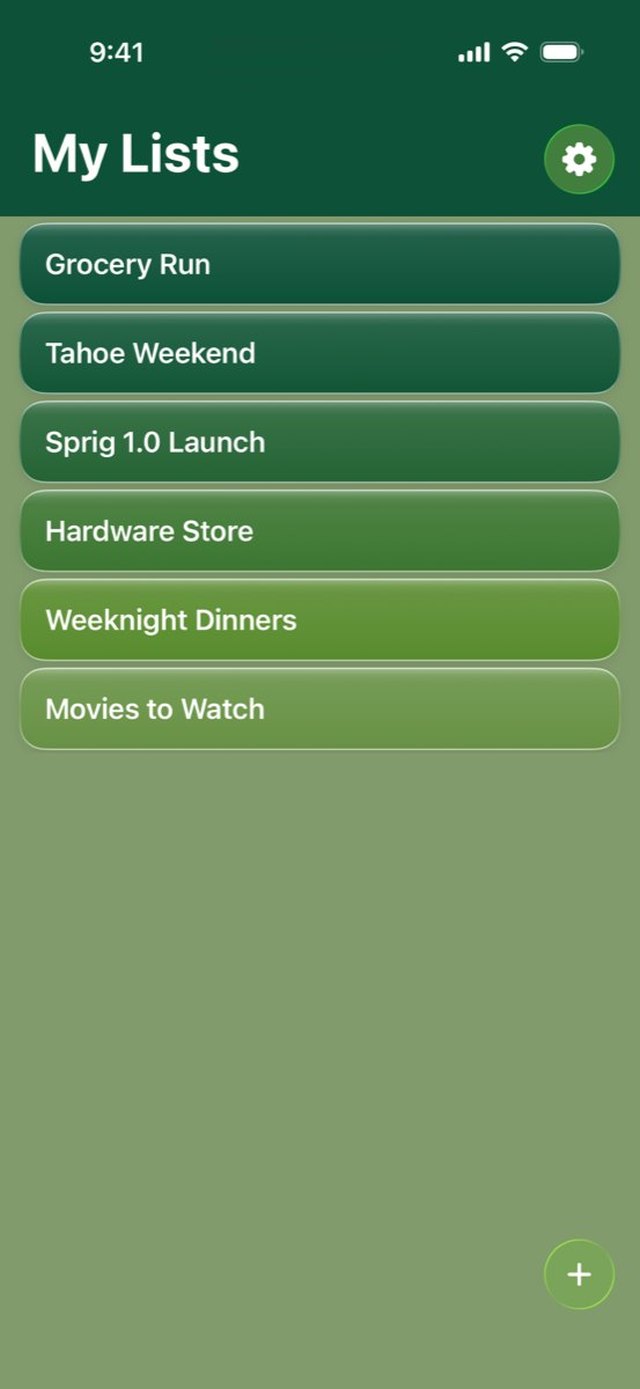
Paste a mess, get a list
On-device AI turns rambling text or a photo of a note into a clean checklist you can use.
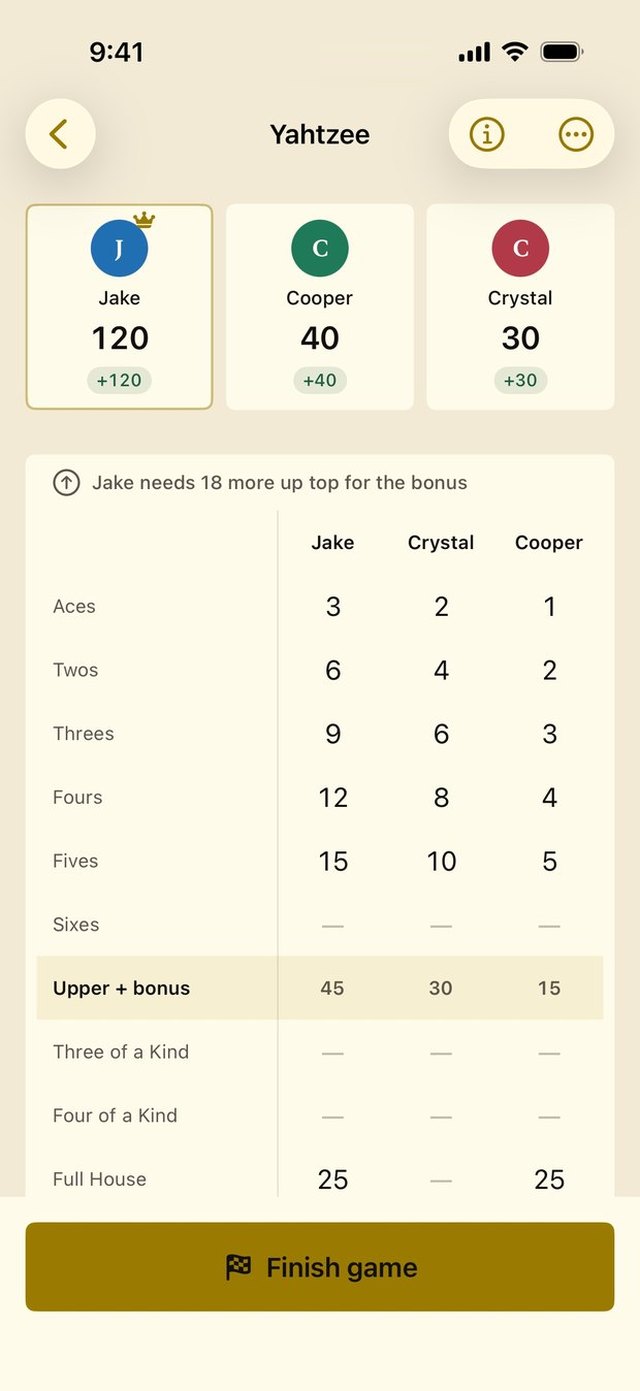
Score for the game on the table
Keeps score for cards, dice, Catan, pickleball and more, with the real rules baked in.
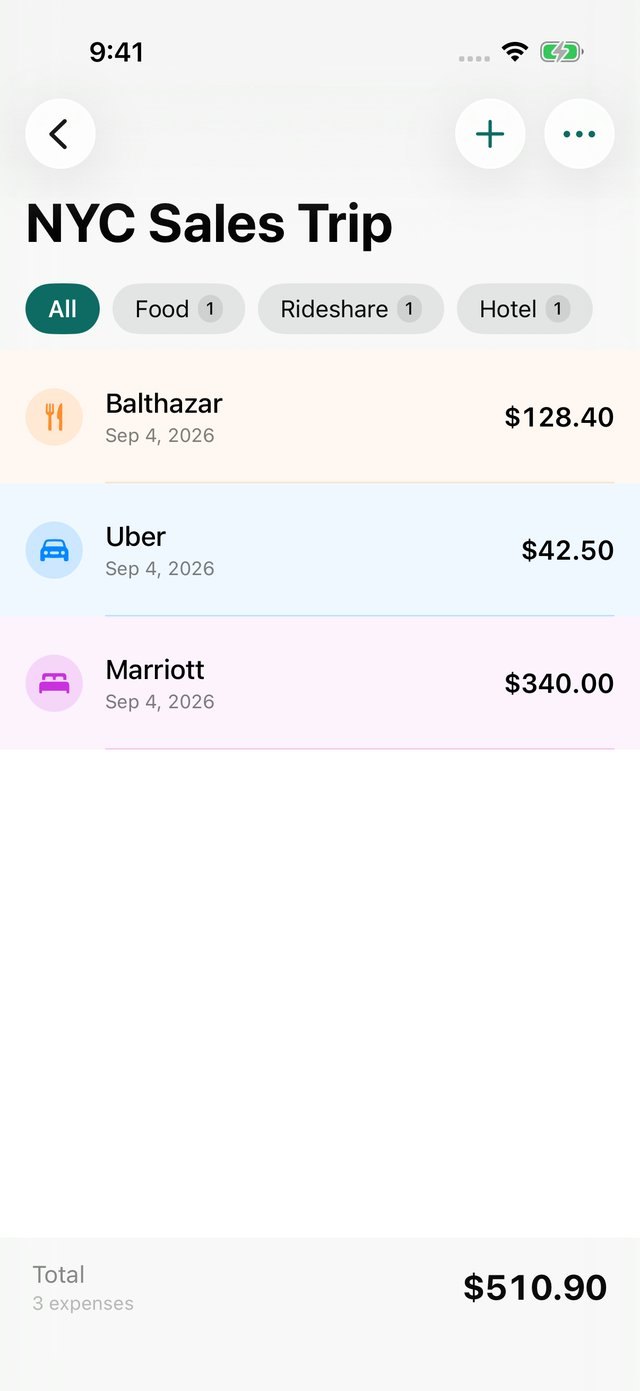
Receipts in, expense report out
Snap a receipt, drop it in a trip, send a finished PDF expense report. Built for the moment you're standing at the register.
Screens coming soon
A sketchbook for ideas
Collections of drawings with a typed-text layer, and a facing reference page that turns the folded iPhone Duo into a sketchbook spread.
 Screens coming soon
What matters now, and what's next
A calm task list where position is priority. Focus on one thing and it stays in front of you on the Focus stage, the Lock Screen and in the Dynamic Island, with NEXT waiting quietly underneath.
The blog has the story behind each one.
Read the blog →
Built by Brian Rossen, a wedding filmmaker
Filmmaker utilities that share one design and hand information to each other. Timeline feeds Sun, Transcript feeds Interview.
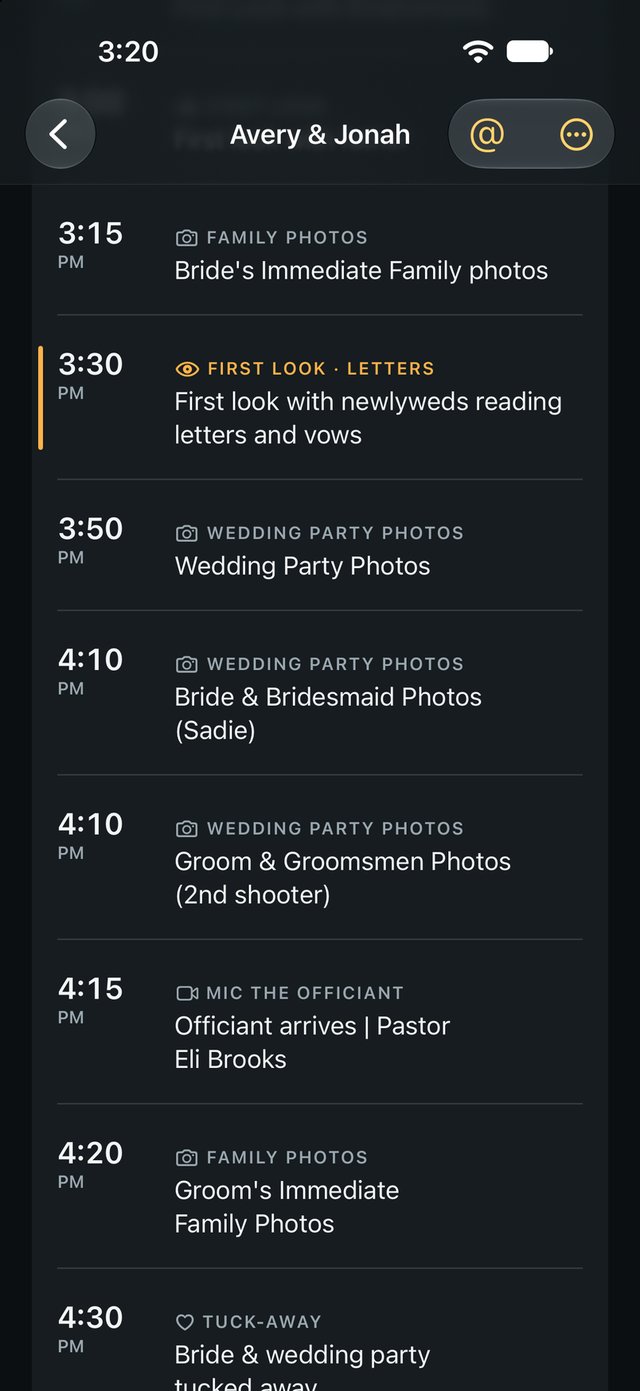

The planner's timeline, cut to what you film
Import a PDF, Word file, spreadsheet, screenshot or email and get back only the moments you shoot (getting ready, ceremony, entrances, dances, sunset), with countdowns and Instagram handles pulled out.
Natural light and weather, planned
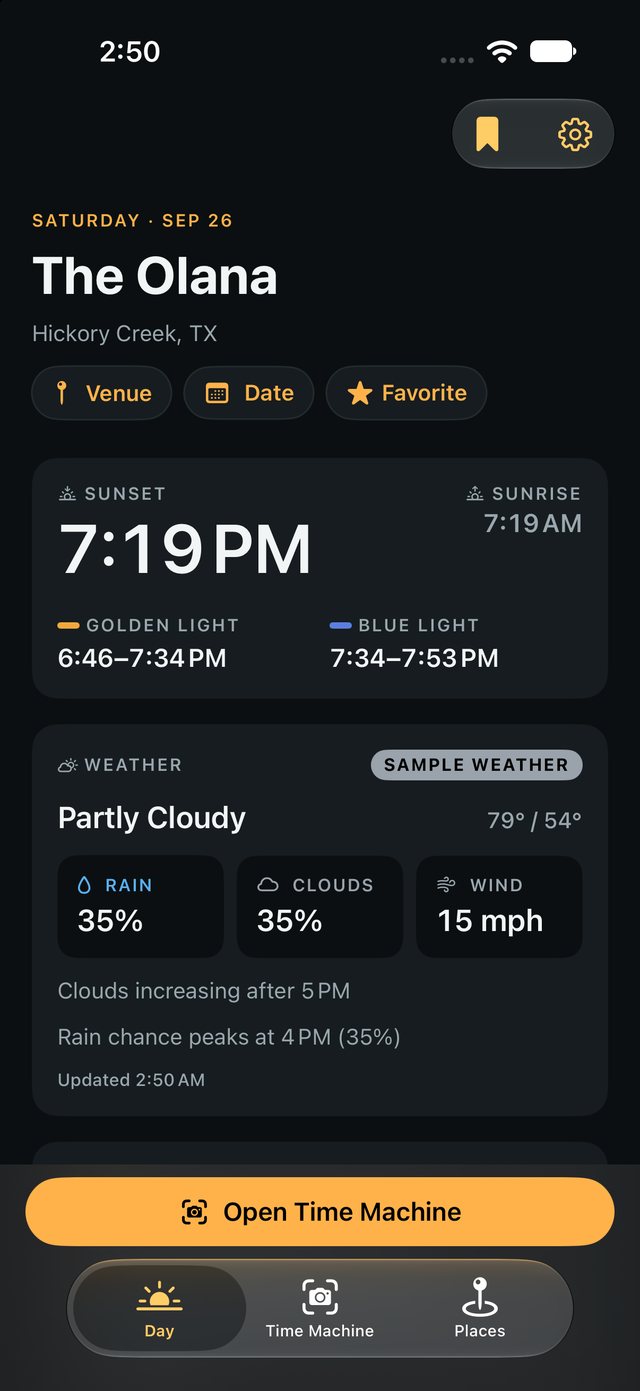
Pick a venue and a date to see the whole day's light: golden and blue hour, the sun's direction and height, cloud, rain and wind, with First Look and Ceremony laid over it. On location, the AR Time Machine shows where the sun will be.
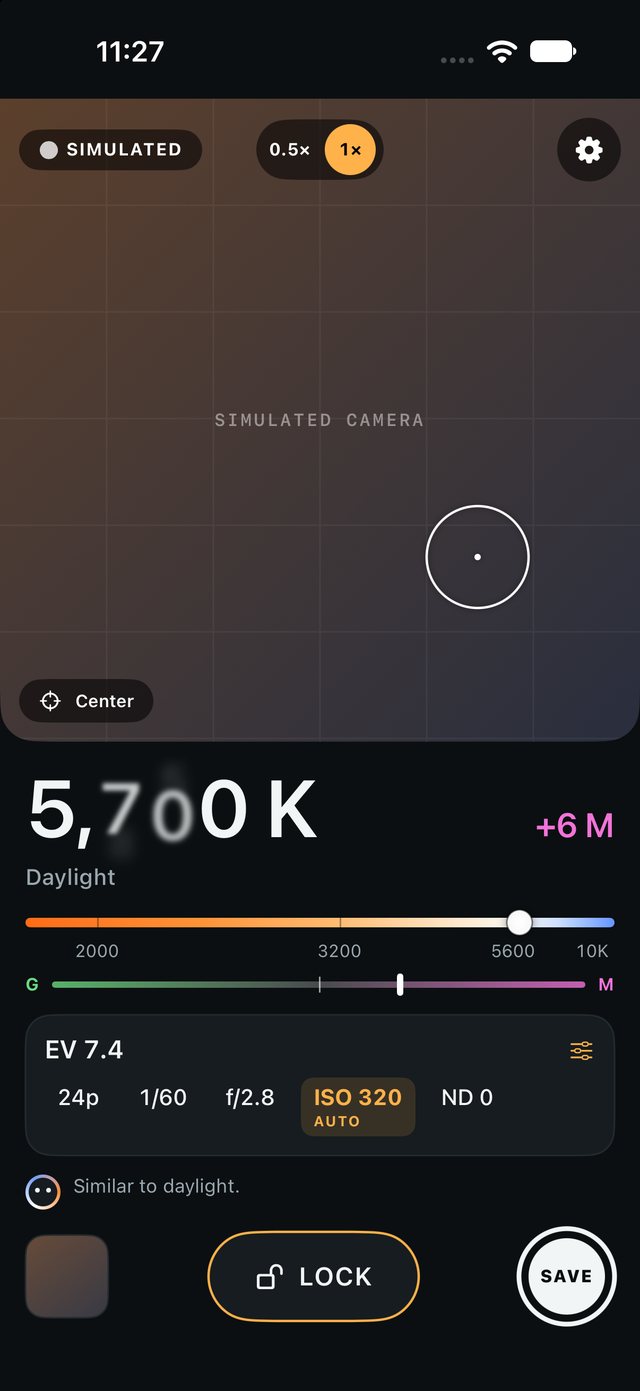
Kelvin, tint and exposure at a glance
Point the phone at the light for live Kelvin and green/magenta tint, the scene's EV, and the ISO, aperture, shutter or ND to set. Save a reference card of the reading for later.
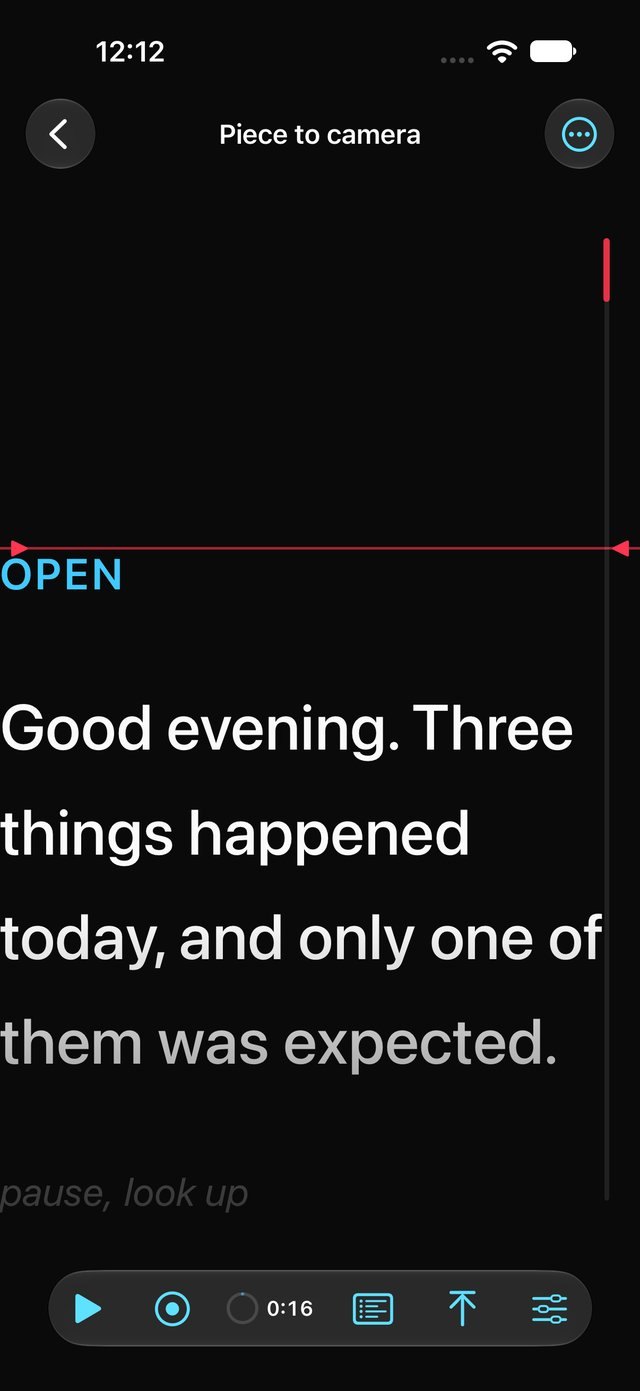
A teleprompter that also runs the camera
Built for iPhone Duo: your script shows on the outer screen, right next to the main cameras, so you can film yourself with the good camera and read as you go. Set your pace, hit record, and the take starts with the scroll. Works on any iPhone too.
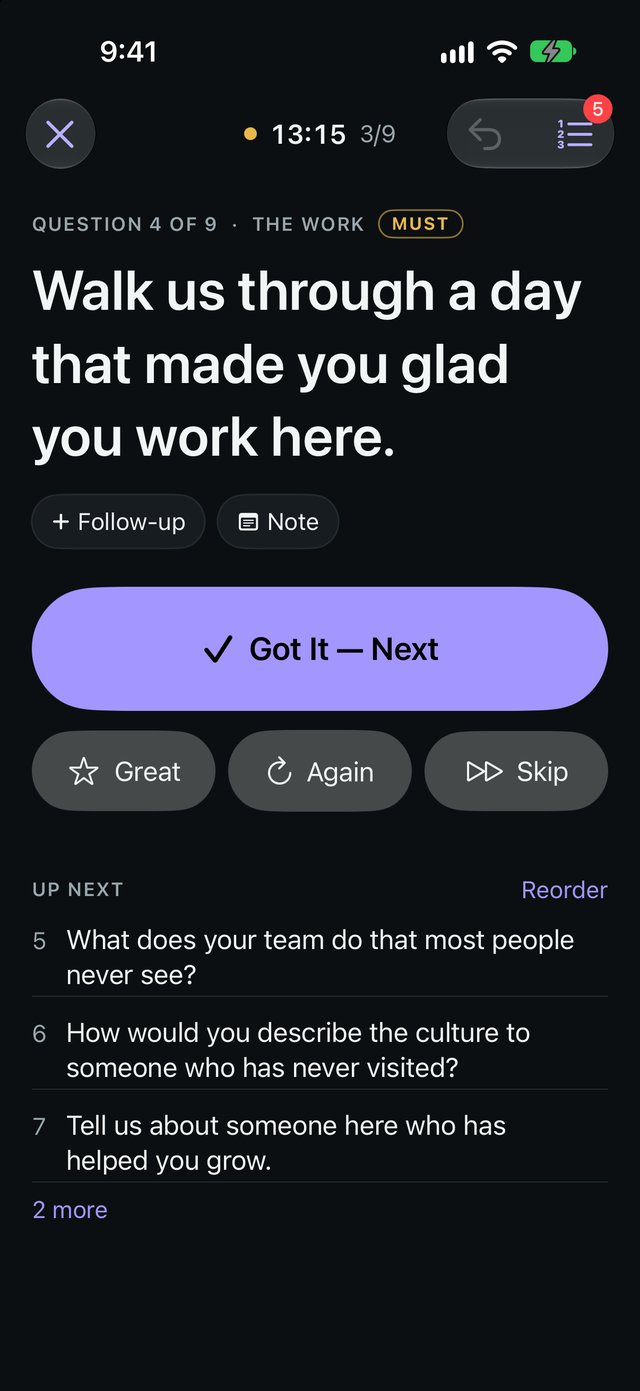
Run on-camera interviews live
Build the question list by typing it, starting from a template, or importing a doc, PDF or screenshot. Then run it one question at a time, star great answers, and pull each answer and best quote in from Transcript.
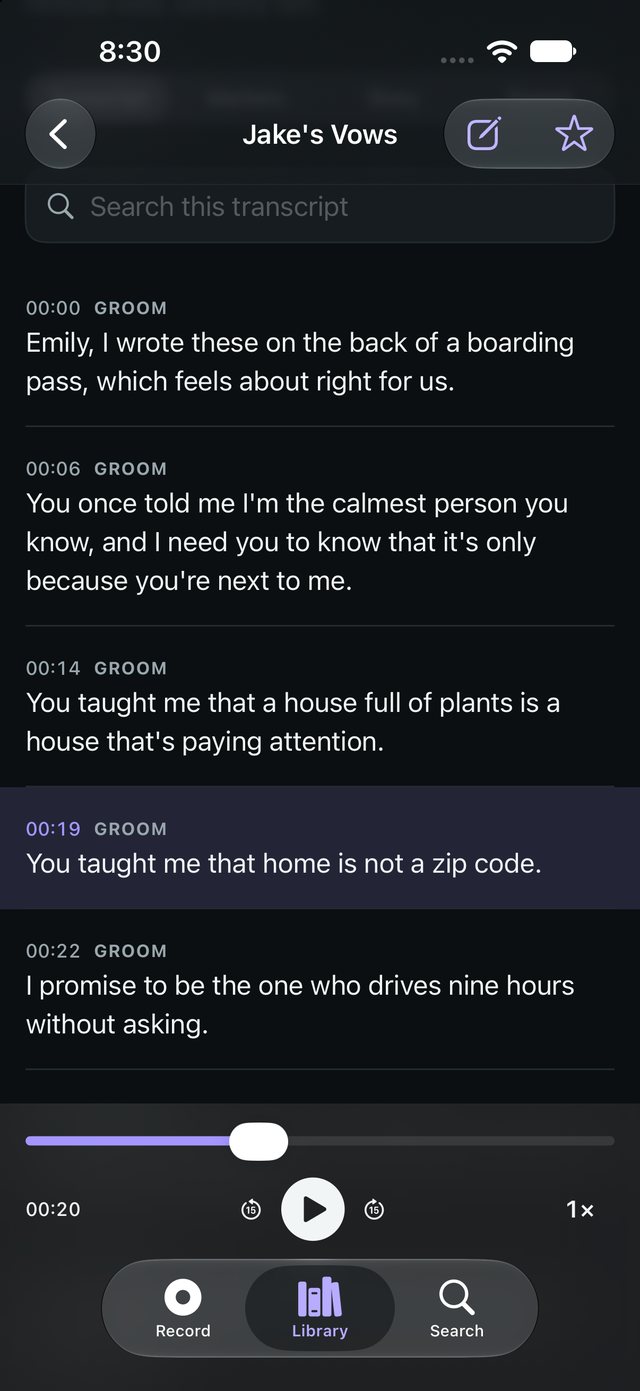
The words that matter, transcribed
Vows, letters and toasts: audio saved first, live on-device transcription alongside, a one-tap ★ Mark for the line that lands, and story selects that are always the exact words spoken.
 Screens coming soon
Pack → Load → Return
Enter your equipment once, build each shoot from a kit or a previous job, and tick it through packing, loading and the return check, so you know straight away if anything didn't make it back.
 Screens coming soon
Paste the run-of-show, shoot from a checklist
For church, sports, corporate and other shoots: import a schedule or shot list, with or without times, and tick shots off as you get them.