
See it in action
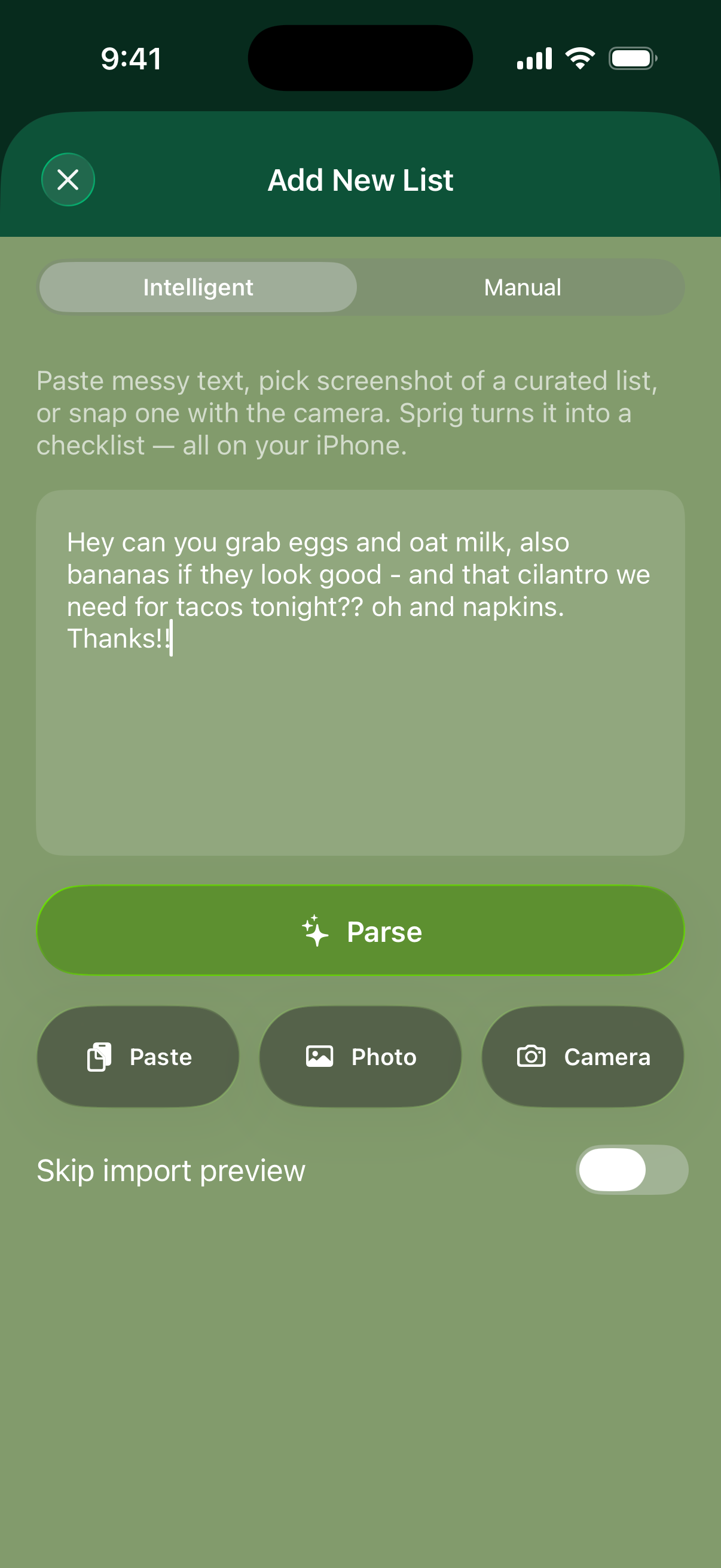
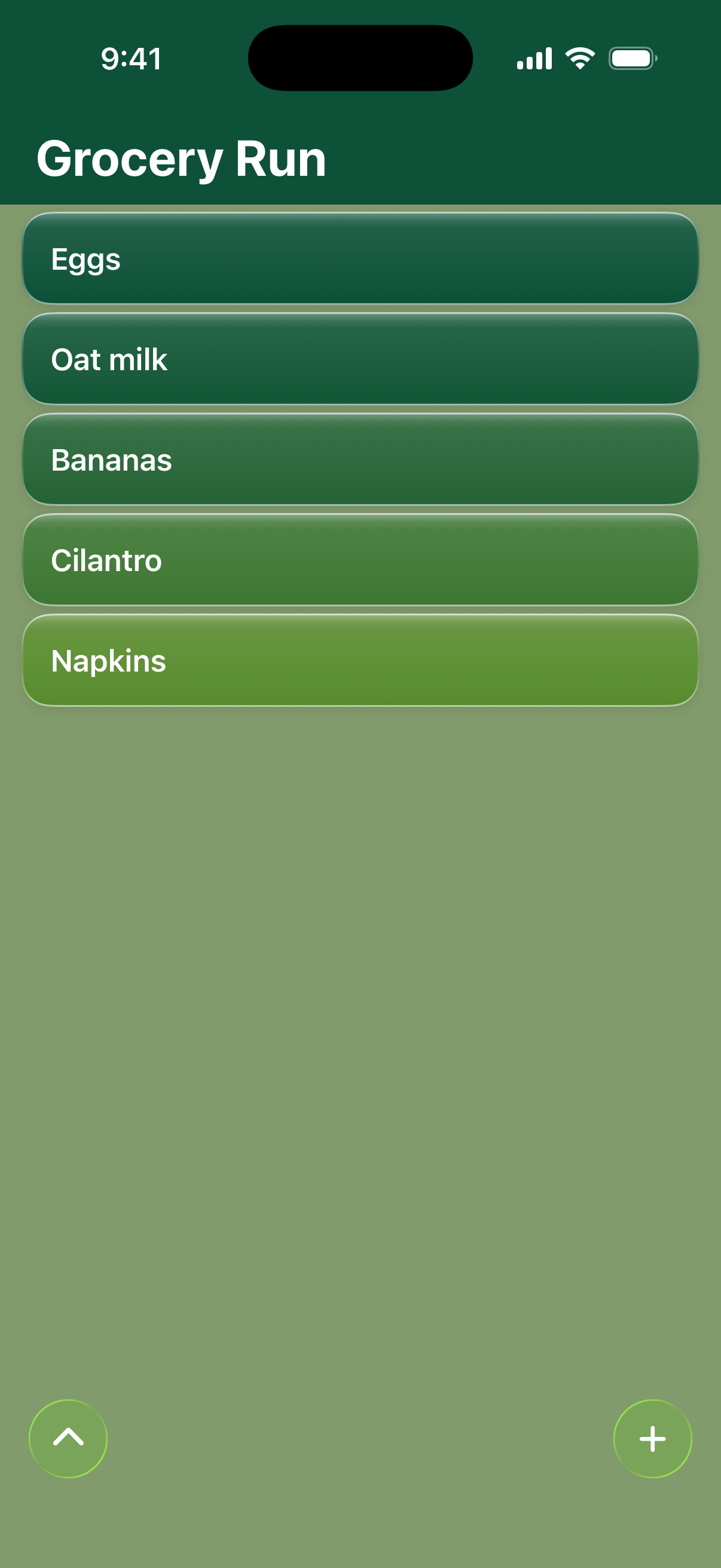
From a rambling text to a checklist you can actually use — in seconds.
Messy in. Checklist out.
Drop in a rambling text, a group chat dump, a photo of a handwritten note — or just paste a bulleted list you already have. Sprig’s on-device AI turns it into a checklist you can actually check off — no cloud upload, no cleanup marathon.
Built for Apple Intelligence
Intelligent parsing uses Apple Intelligence on iPhone 15 Pro, iPhone 16, and newer — everything happens on your device, so your notes stay private and it works even without a connection. On other iPhones running iOS 26, Sprig falls back to solid built-in parsing.
Quick where it counts
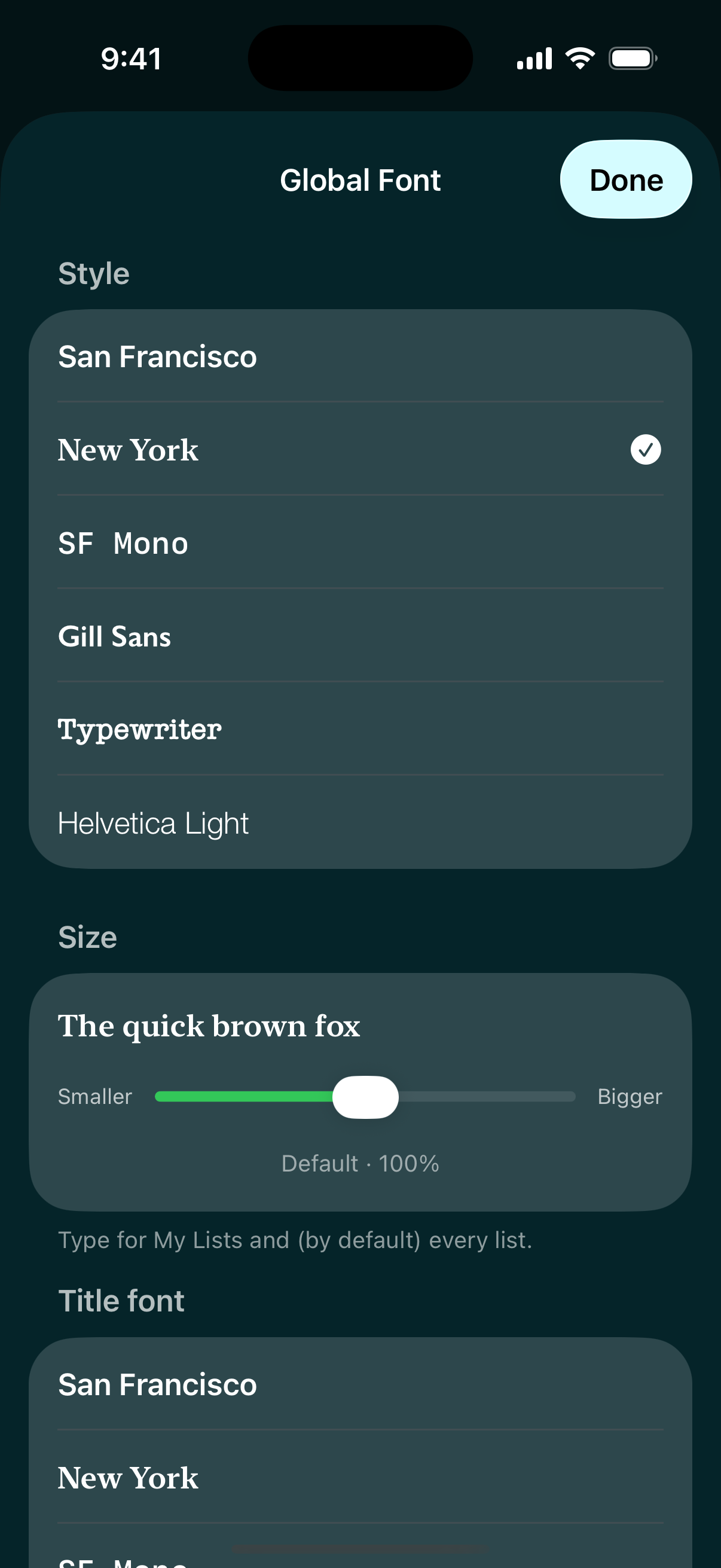
Pull down and release to add. Swipe right to check off, left to delete. Long-press and drag to reorder. Shake to undo deletes, and deleted lists wait in Archive rather than vanishing. Ask Siri to add to a list by name, and pick the typeface for your rows and your titles independently.
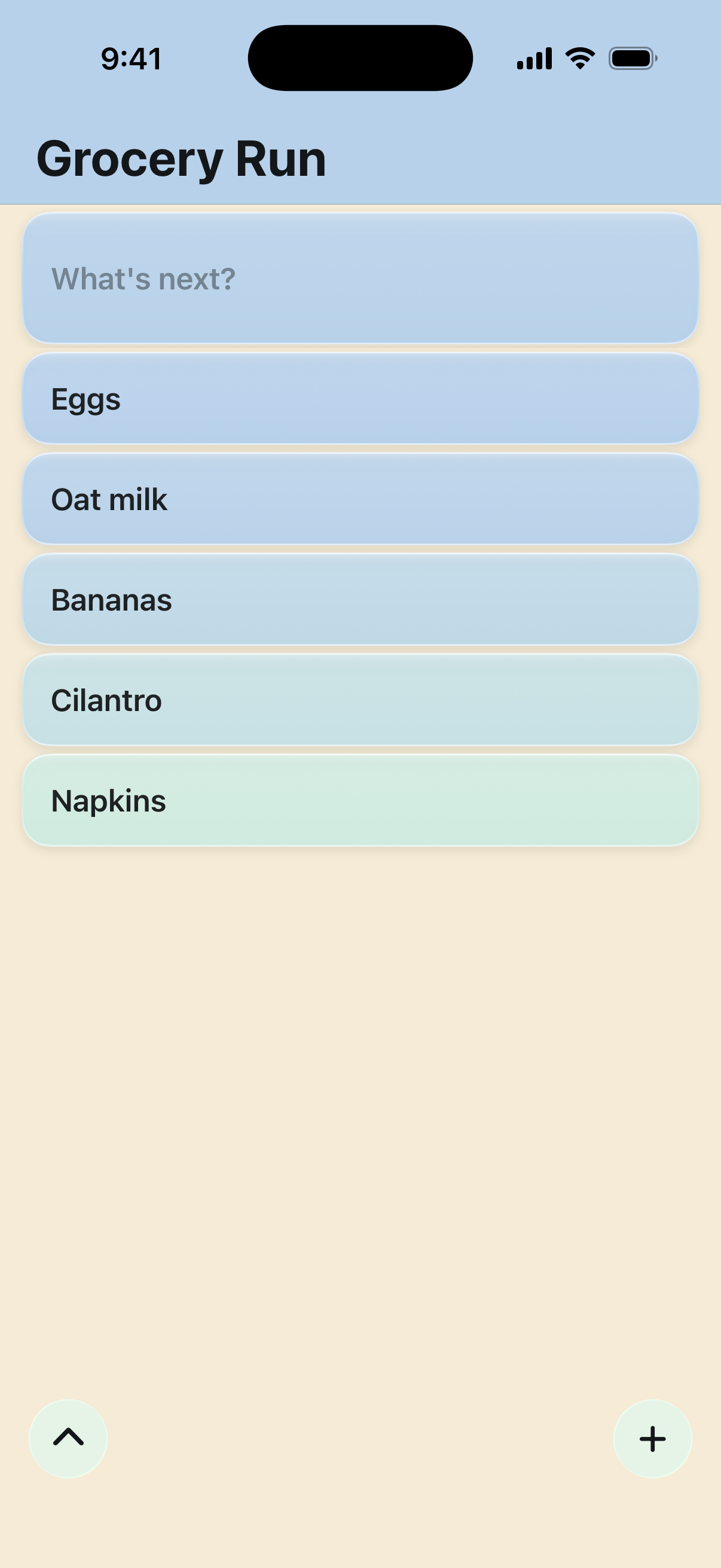

Themes that feel like you
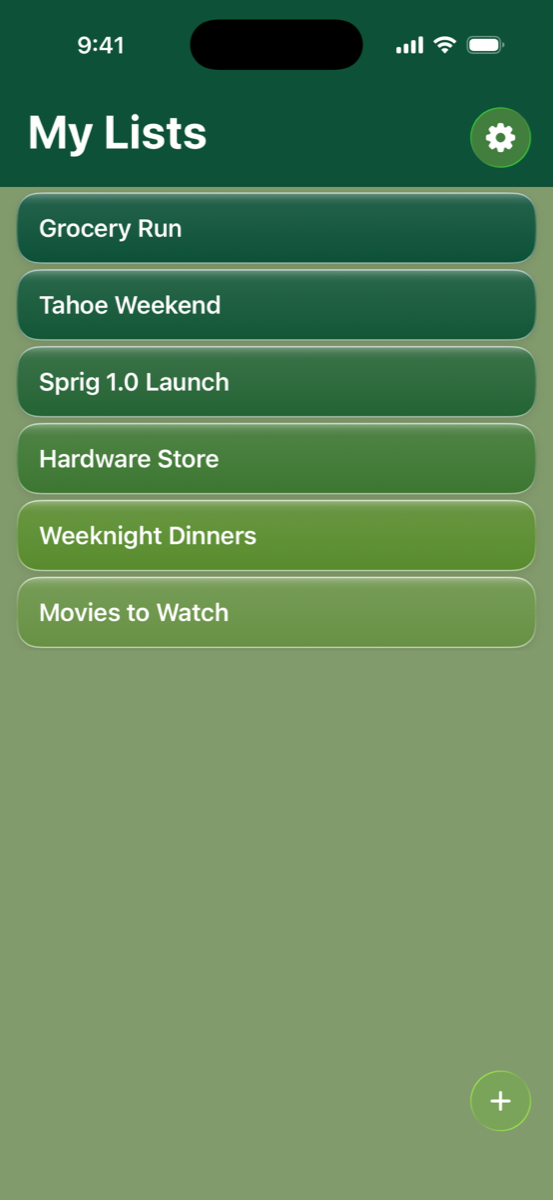
Built-in themes ship free, with many more colors in the one-time unlock — plus editable colors, app icons, and list looks so every list can have its own theme and font.
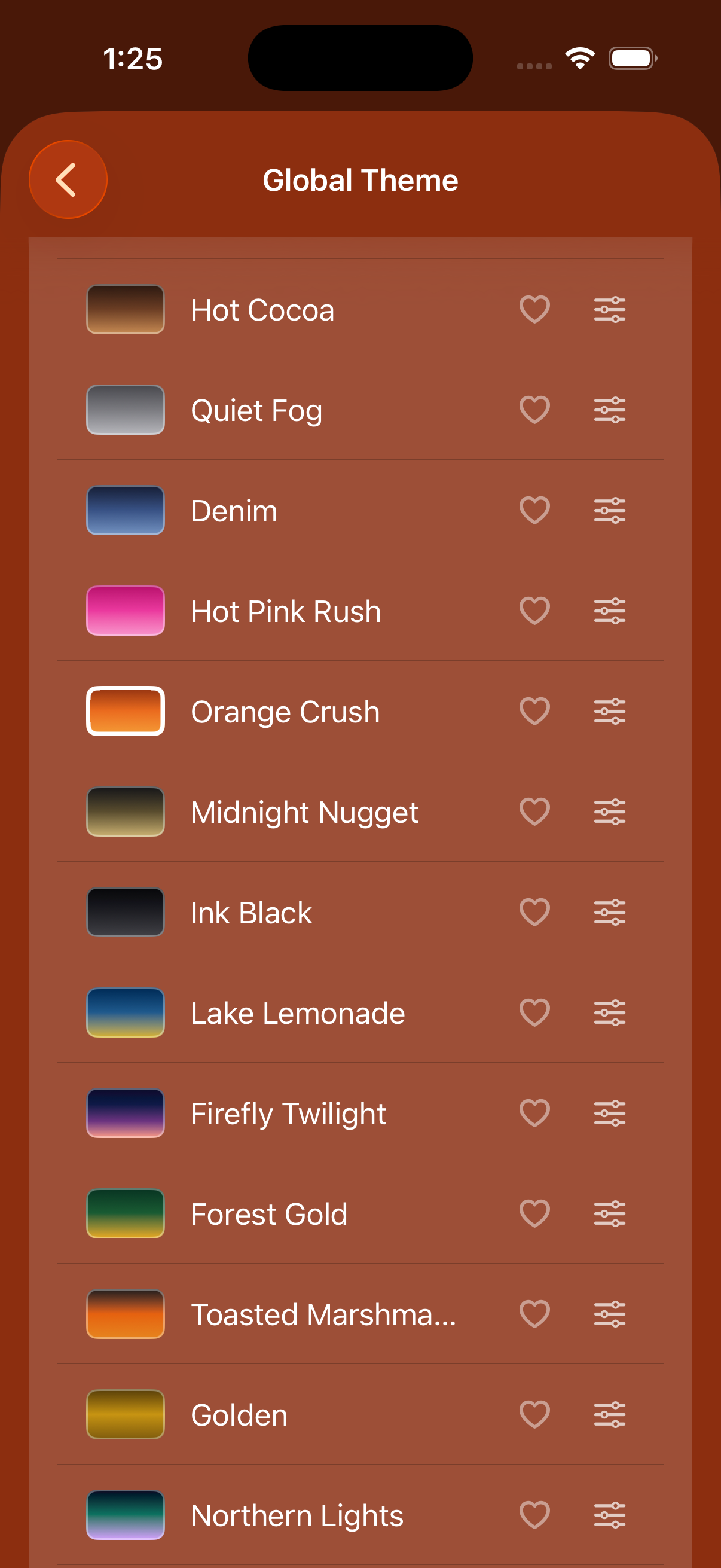
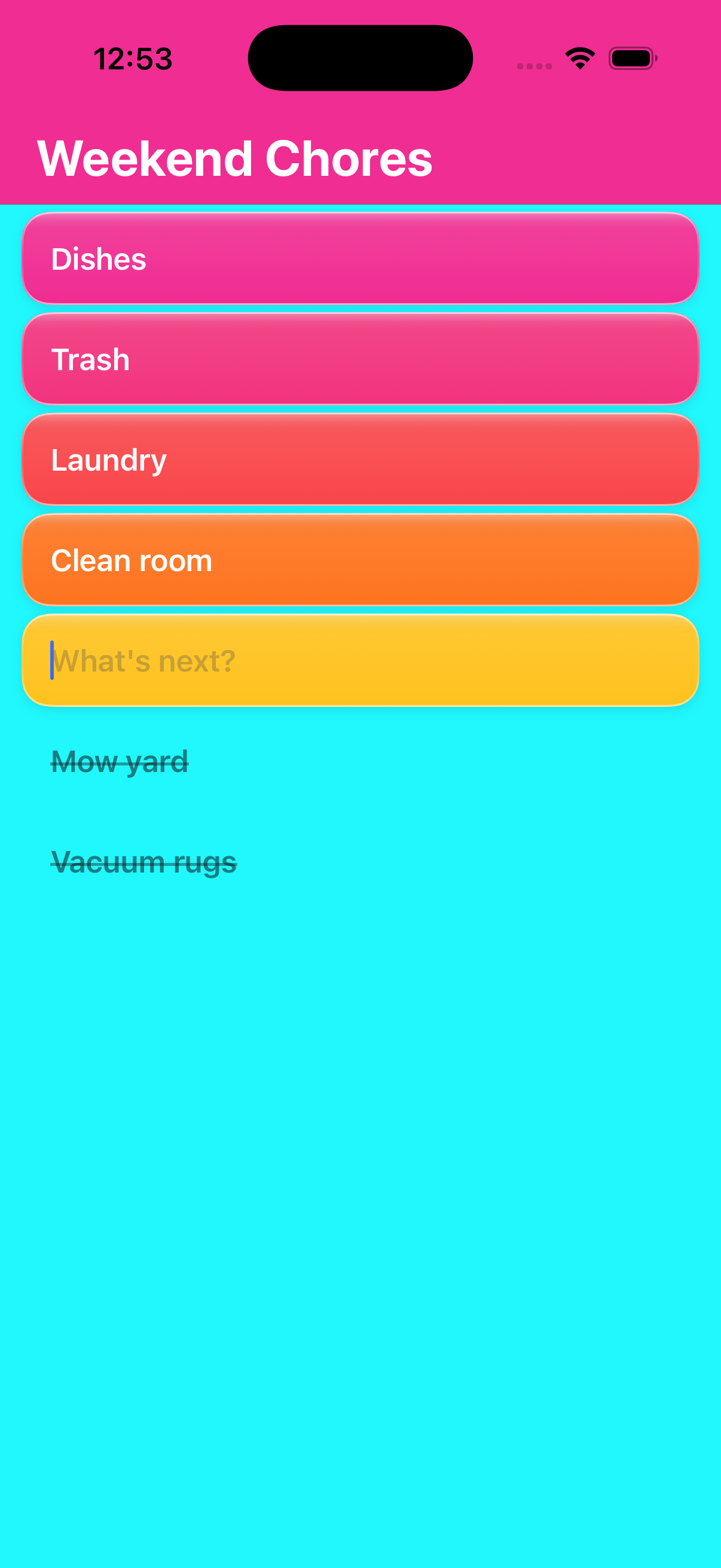
Free version is fully featured.
Intelligent Parsing, unlimited lists, swipe gestures, and many color themes free for everyone — no paywall, no trial. A one-time purchase unlocks every theme color, editable themes, app icons, and per-list looks. Ad-free, no subscriptions, no account, ever.