Record while you read.
Any camera, front or back, with a live preview you can drag or hide, even mid-take.

Teleprompter by BSR
For anyone reading to a camera
Write or import a script, set your pace, and read it back with your eyes still on the camera. Hit record and the take starts with the scroll — no second app, no dead time between them.
Native iPhone app · iOS 27 and later · iPhone Duo supported
Built for iPhone Duo
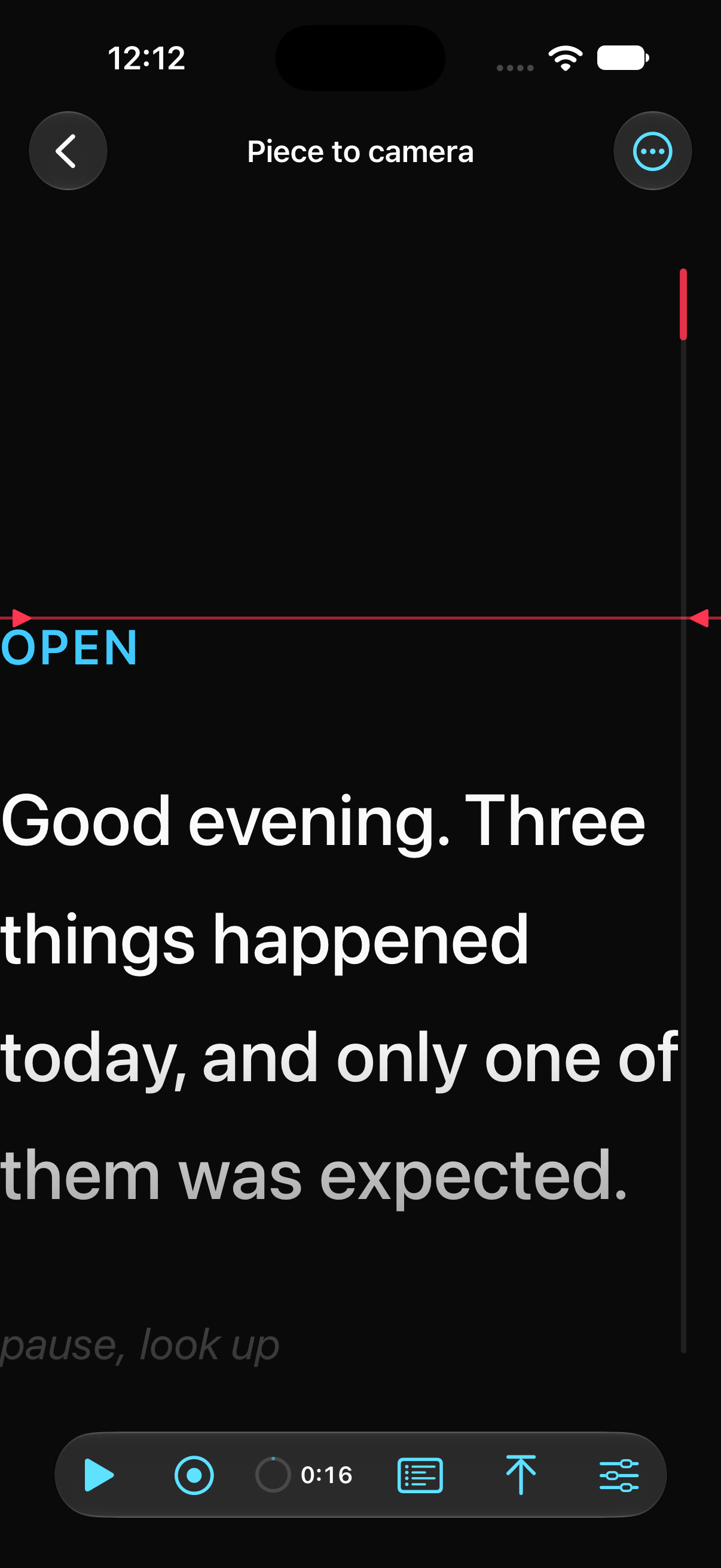
On iPhone Duo the transport moves to a vertical bar, so the text gets the whole screen. The read line follows the actual position of the inner camera — not a guess, the real reserved region the system reports. While the main camera films someone else, the script appears on the far display, so they can read it while you keep the controls.
Every Duo feature quietly steps aside on a regular iPhone. Nothing is left half-working.


The running order · Live, while you read
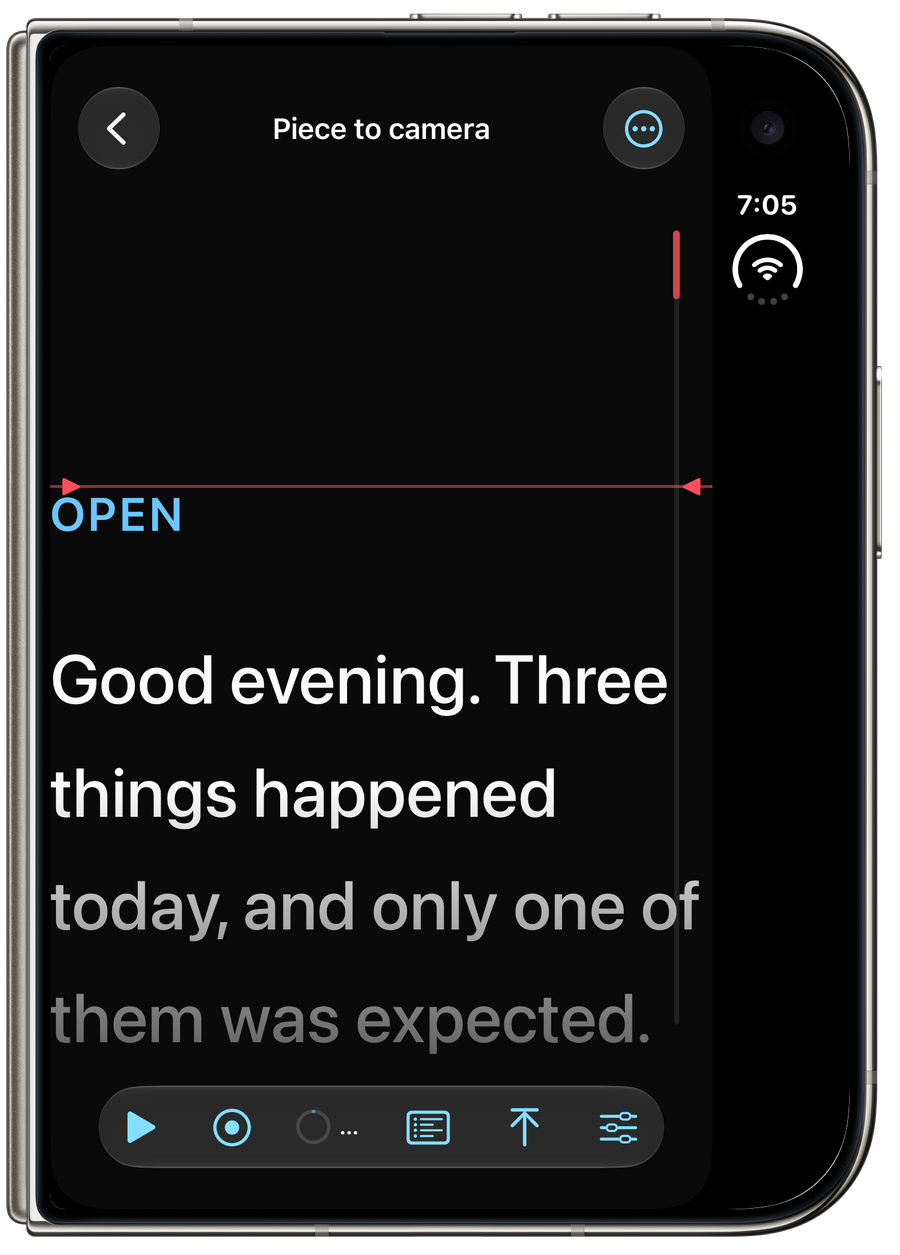
Open the running order without stopping the scroll: pace, text size and the read line, all adjustable while the words keep moving. See the effect land immediately, not after you pause to check.
Pace is set in words per minute — the way a prompter operator actually thinks about it, not a scroll speed.
Three steps, then you're rolling
Type it, paste it, or bring one in — PDF, Word, RTF, HTML, plain text, a photo of a printed page, or Scan Paper. Headings become cues automatically.
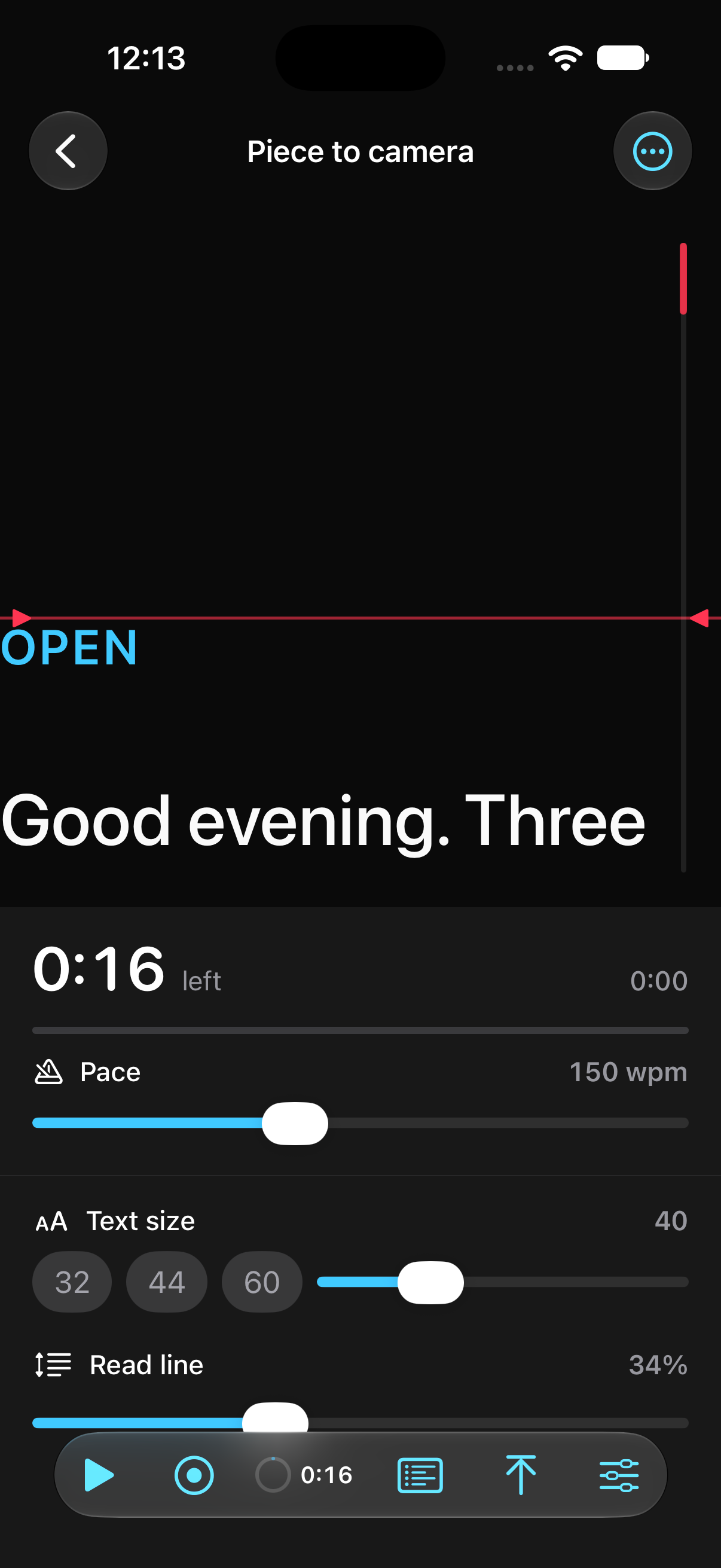
Words per minute, not scroll speed. Drag the read line to where your eye actually lands, and the words beyond it dim so your place never slips.
The scroll and the take start together. Recording keeps going a few seconds after you finish, so the last word doesn't end the video, and it saves the moment Photos confirms it — not before.
Read it your way
Any camera, front or back, with a live preview you can drag or hide, even mid-take.
Night, Paper and Amber, switchable from inside the prompter itself — not buried in a settings screen.
Independent left and right margins, and line spacing that actually affects wrapped lines within a paragraph, not just the gap between them.
PDF (including scanned pages), Word, RTF, HTML, plain text and photos — read and cleaned up on your iPhone, nothing uploaded.
No account, no analytics, no ads. Scripts and settings stay on your iPhone; recordings go straight to your own photo library.
VoiceOver, Dynamic Type and Reduce Motion are respected throughout, not bolted on afterward.
No. Writing, importing, reading and recording all work fully offline — there's no server for any of it to talk to.
No. Teleprompter is a one-time purchase. Pay once, and everything in the app is included — no in-app purchases, ever.
The take stays on your device, never silently discarded, with a clear way to try the save again or share the file directly, until it's sorted.
Teleprompter is in development. There isn't a public download yet. Follow the Development page for its release status, or get in touch with a question.

Built by Brian Rossen, an independent developer
Part of the BSR family of tools for filmmakers and photographers.