· iPhone
Sprig: To-Do & Checklists
Turn messy text into a checklist. Paste a long text or take a photo of a handwritten note, and Sprig makes it into a list you can check off.
What it is
Sprig is a checklist app. You can type items in like any list app, but you can also paste in a paragraph, a screenshot or a photo of a note, and Sprig pulls out the items for you.
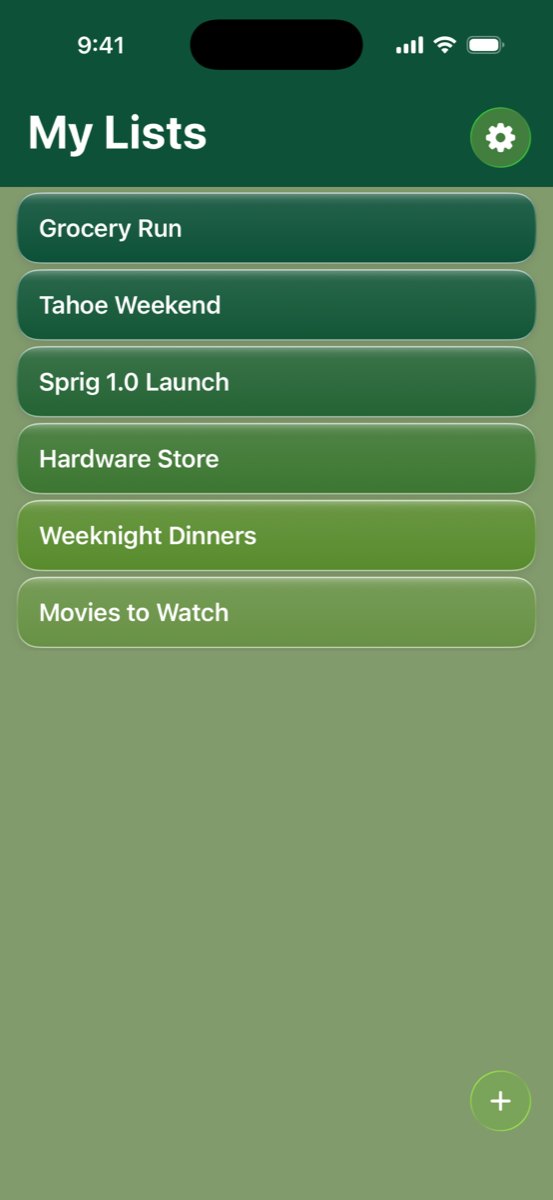
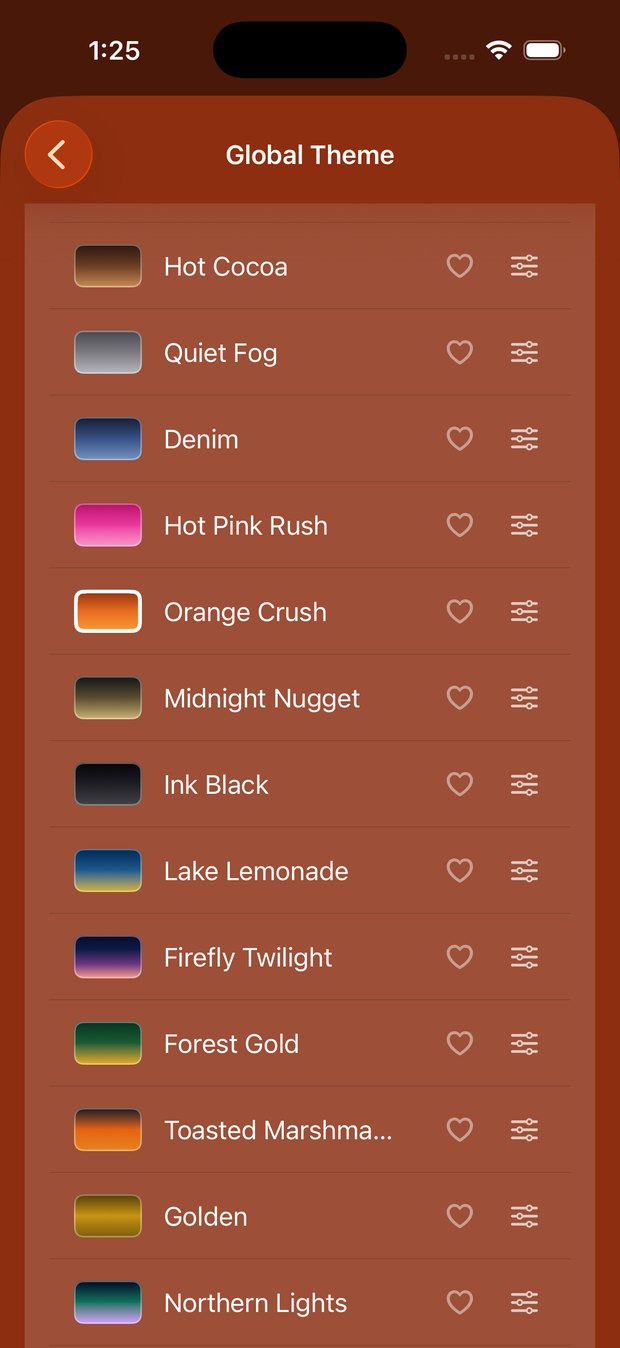
It runs on your iPhone with Apple Intelligence, so nothing gets uploaded. You can also pick colors and fonts for each list, so your grocery list and your packing list don't have to look the same.

Why I built it
People send me lists that aren't really lists, like one text asking me to grab eggs, oat milk, bananas and napkins. Other to-do apps made me retype every item on a tiny keyboard in the middle of the store.
Now that the AI to do this runs right on the phone for free, it made sense to build it.
How I built it
Sprig is a SwiftUI app for iOS 26. Apple's on-device Foundation Models read the text and find the items.
Before anything is saved, Sprig shows you what it found, so you can fix an item, remove one, or cancel.
I spent a lot of time on the themes too. I wanted every list to look nice enough that you want to keep it open.
← All posts