· iPhone, iPad & Mac
TripStub
Snap a receipt, add it to a trip, and send a finished PDF expense report.
What it is
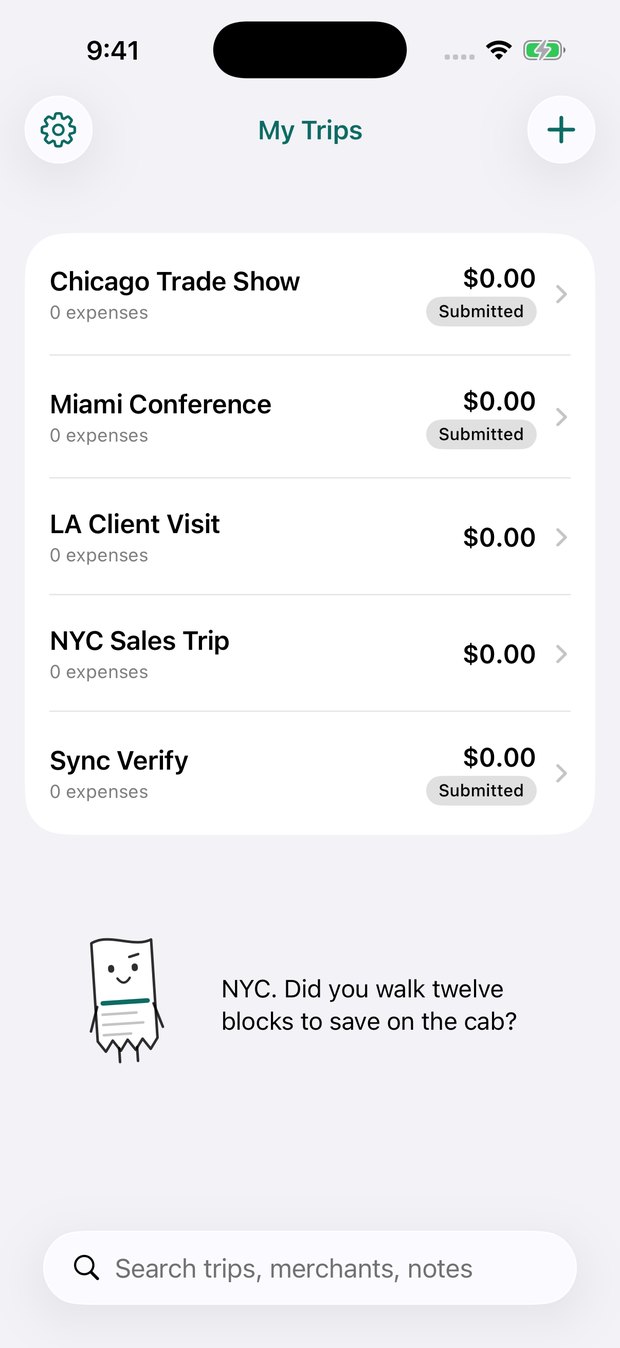
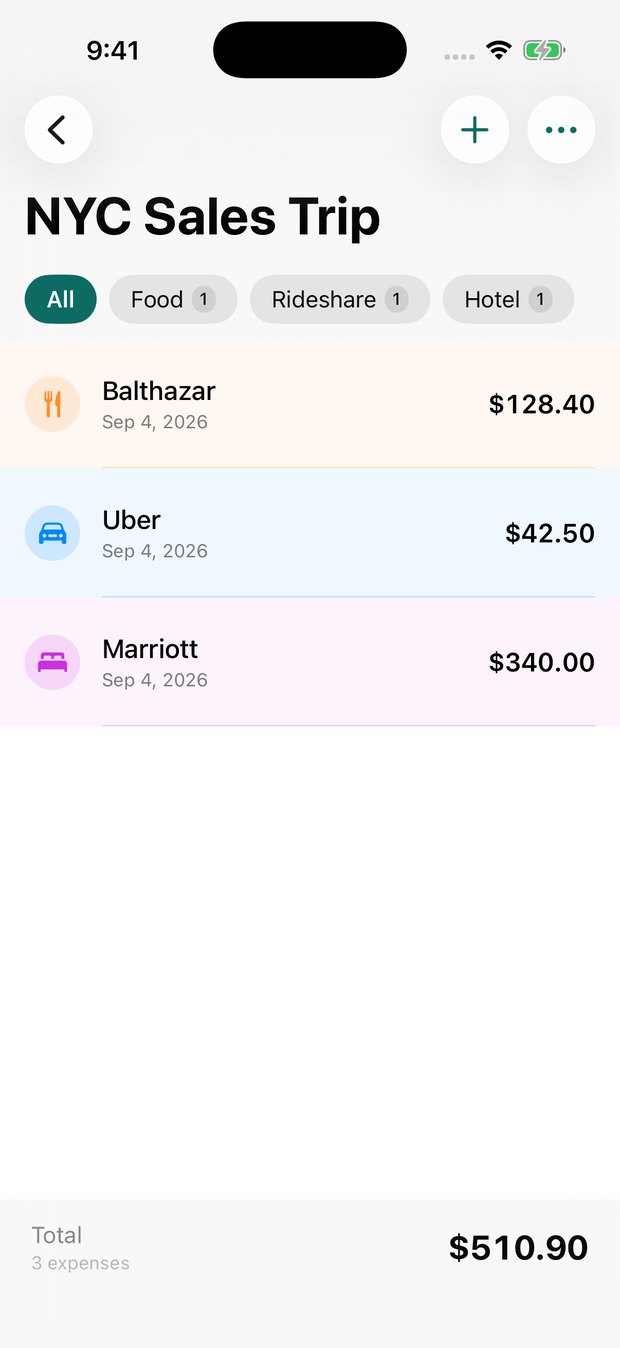
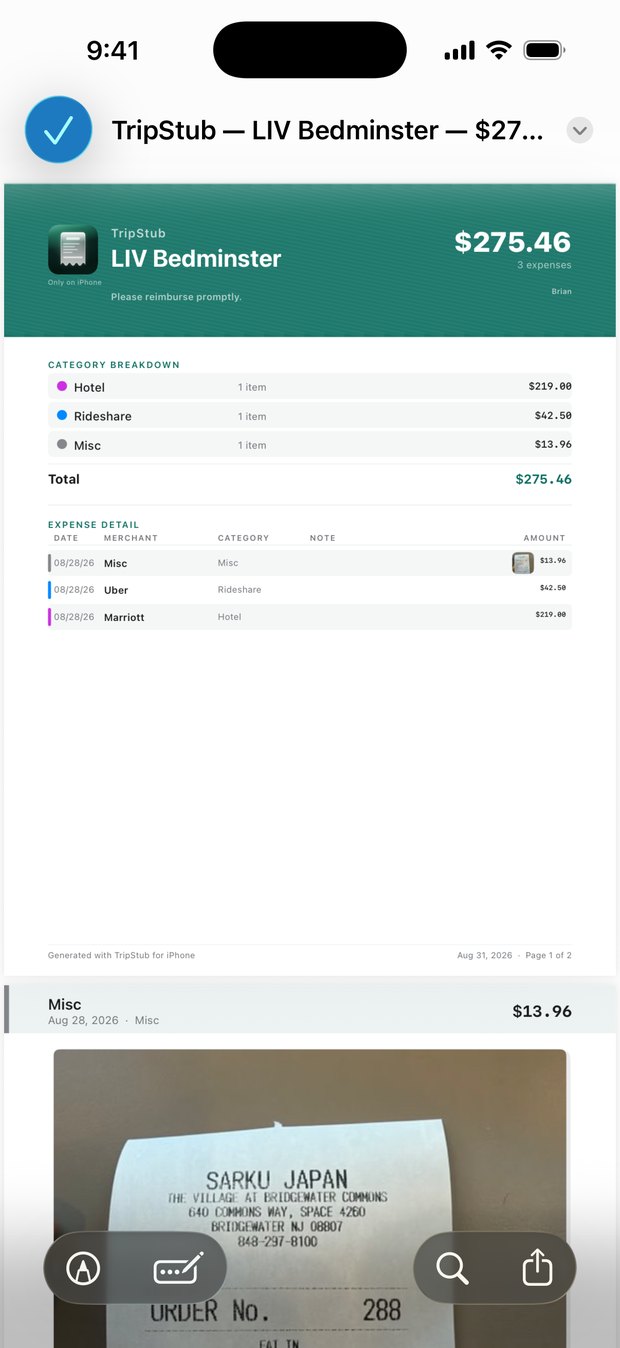
TripStub is an expense tracker for business trips and local reimbursements. Make a trip and add each expense to it. Take a photo of the receipt and it reads the total and date for you, right on your phone. When the trip is over, one tap makes a PDF report with the receipts attached, ready to send.
You can also add an expense with Siri, which is the feature I use most.
Why I built it
I travel for video shoots, so I end up with parking, food, hotels, rides and a pocket full of receipts. I used to put them into a spreadsheet weeks later, and some always got lost along the way.
I wanted logging an expense to take a few seconds, right when it happens.
How I built it
TripStub is built with SwiftUI and SwiftData, and it runs on iPhone, iPad and Mac from one codebase. Receipt scanning uses Apple's Vision framework, so nothing leaves your device. I built the PDF report layout myself so it looks clean.
Two parts were harder than I expected: syncing receipt photos between devices, and making the Mac version feel like a real Mac app, with proper windows and drag and drop from Finder.
There's also a little receipt character named Stub on the trip list. He doesn't do anything useful, but he's my favorite part.
← All posts